Walmart Inventory Shipment Creation
Walmart inbound shipment creation
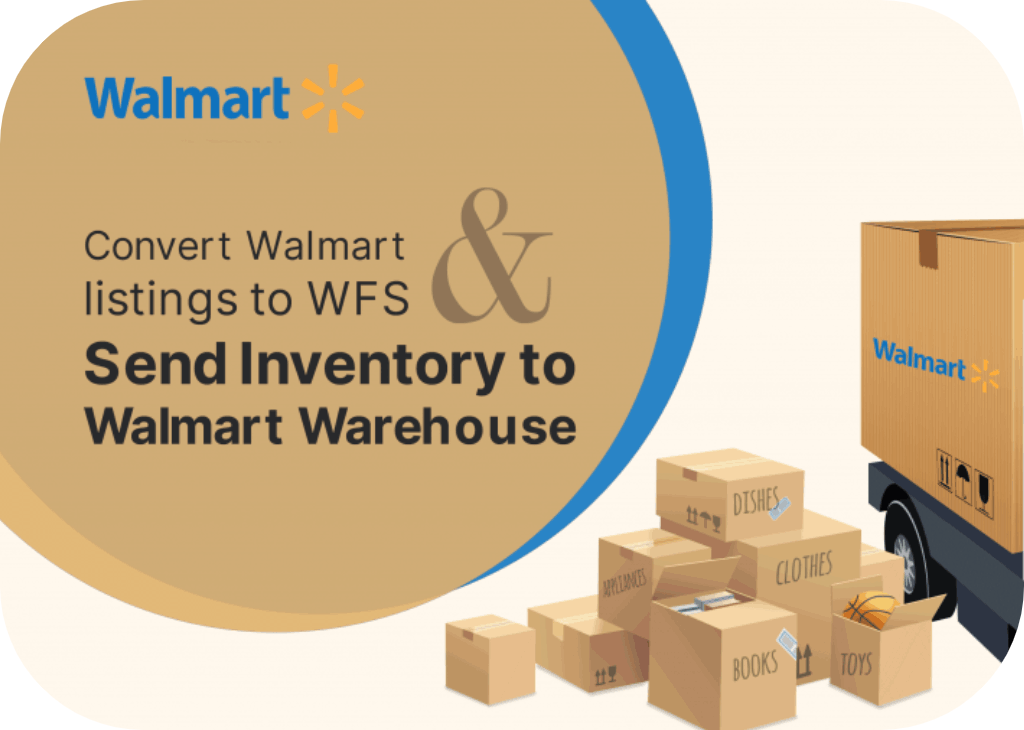
After your listings are set up for Walmart Fulfillment Services (WFS), you need to send inventory to Walmart's fulfillment centers. This is called inbound shipment creation.
What is shipment creation?
Shipment creation is the process of preparing your products, telling Walmart what you are sending, and creating the labels and carrier bookings for delivery to the fulfillment center.
How to create a WFS shipment
- Check that your items are enrolled in WFS and have accurate dimensions and weights.
- Create the shipment in Seller Center and list items and quantities.
- Prepare the items, following Walmart's packaging and labeling rules.
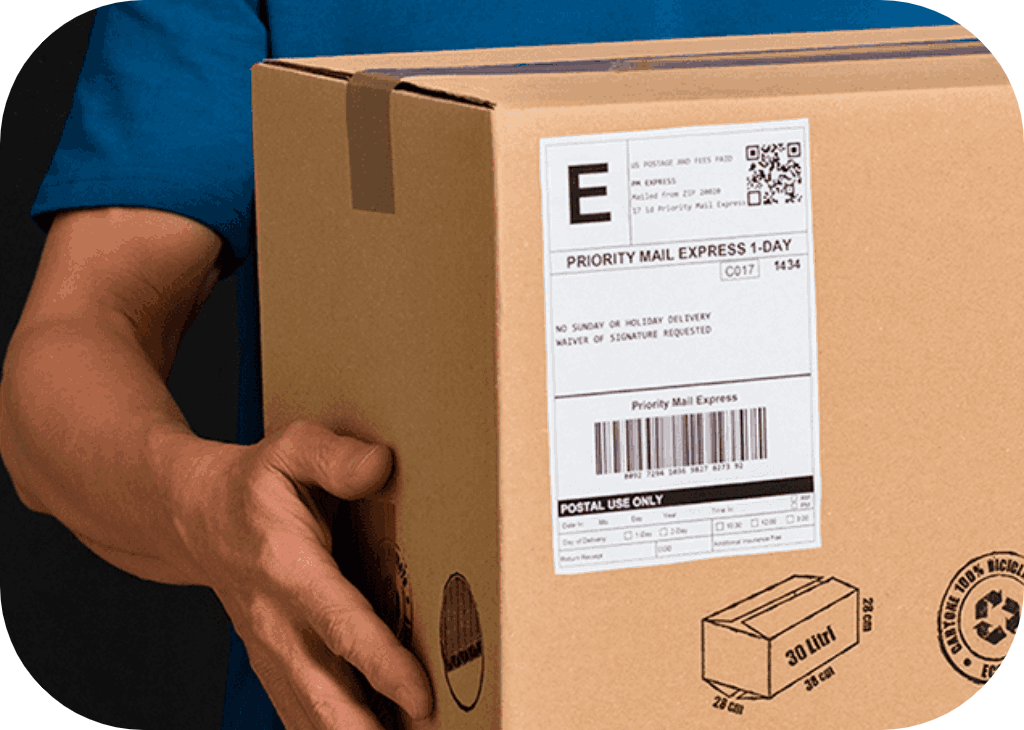
- Print and attach the labels Walmart generates.
- Book a carrier, or use Walmart's partnered carrier options if they are offered.
- Send the shipment and keep the tracking details.
Tips for efficient shipments
- Use shipping software to manage orders and labels in one place.
- Prepare packaging in advance rather than order by order.
- Use a barcode scanner to avoid manual entry mistakes.
- Send in batches to reduce shipping cost per unit.
- Keep supplier lead times in mind so you do not run out of stock.
Common problems
- Shipping costs: they add up with volume, so compare carriers.
- Delays: delays hold stock outside the warehouse and affect sales. Build in buffer time.
- Inventory planning: track stock levels so you can replenish before you run out.
- Accuracy: mismatched quantities or labels can delay check-in. Double-check before dispatch.
Let us handle it
AMZgetway can create shipments, check labels and track them to check-in. Tell us what you need to send.